Building the system for what happens after AI generates the first page
Go to project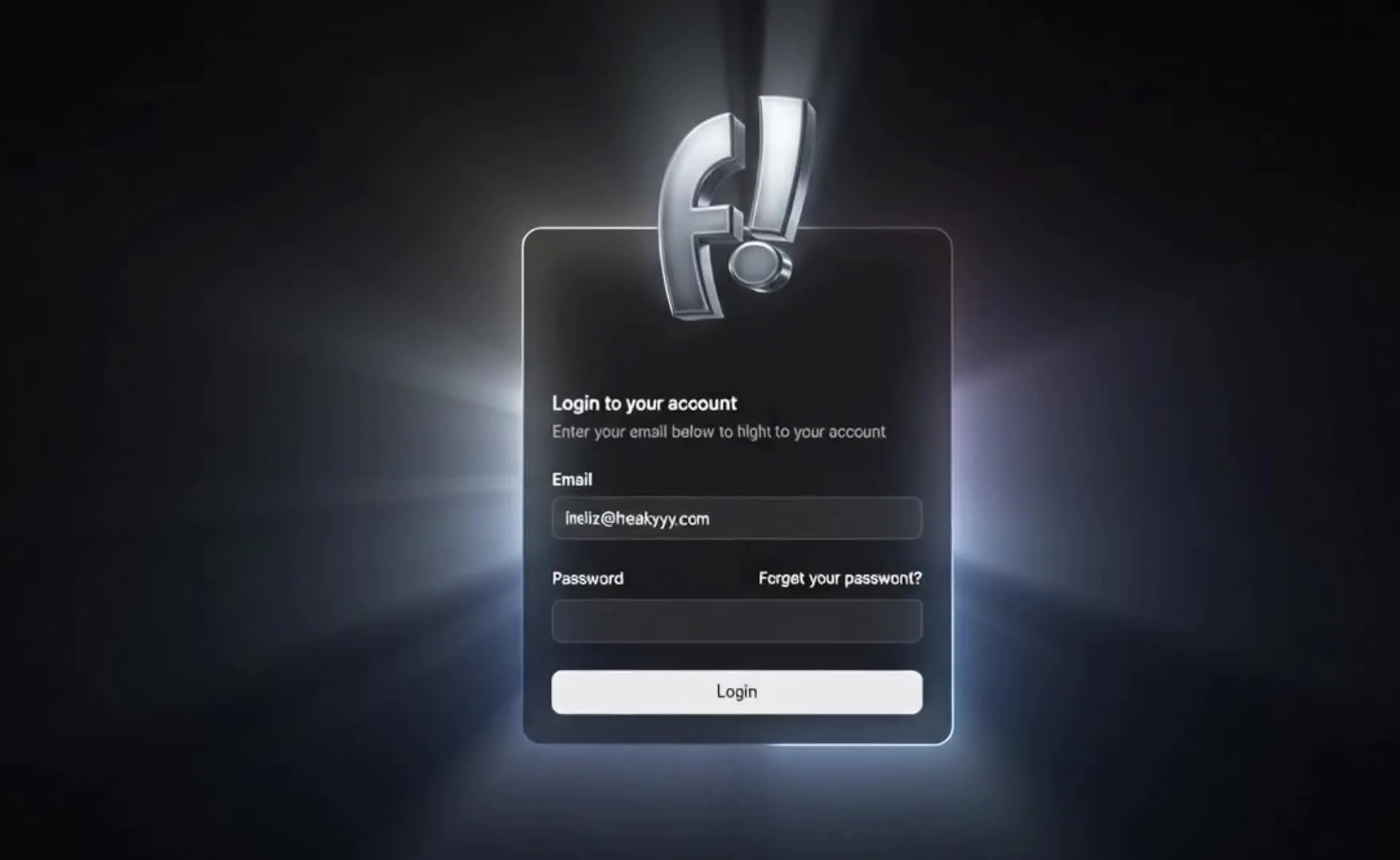
Freakyyy was repeatedly building websites and digital pages for its own projects and client work. While AI tools made generating an initial website draft or page layout extremely fast, obtaining the raw generated code was only the first step of the process.
The challenge lay in bridging the gap after the initial draft is generated. Moving from a raw AI generation output to a refined, customized, and deployed website involves significant manual labor. Founders and designers face friction connecting domains, customizing styles, restructuring layout hierarchies, and managing client handovers. We set out to design a system that handles these subsequent steps.
Portal supports several ways of moving a website project forward.
An operator can begin with information about the business, its audience, its offer and the direction of the website. Portal turns that input into an initial page structure, visual direction and draft content that can be reviewed and refined inside the workspace.
The generated version is a starting point, not a forced final result.
An existing website can be used as the starting reference by entering its URL. Portal brings that reference into the workflow so its content, structure and visual direction can be reconsidered without beginning from an empty canvas.
This is useful when the business already has a website but needs to reorganise its information, modernise its presentation or explore a substantially different direction.
After generation, the operator can continue working through the visual canvas. Content, typography, colours, spacing, sections, components and page hierarchy can be adjusted while reviewing the page as it changes.
This closes the gap between accepting an AI-generated first attempt and manually rebuilding the entire result somewhere else.
The completed project can move towards export as supported website files for independent hosting and handover.
Exporting the project does not automatically include every external service it uses. Domains, hosting, fonts, images, APIs, databases and other third-party dependencies may still require separate accounts, configuration and ongoing costs.
The Portal workspace streamlines the journey from generation to export:
We built Portal around the principle of code portability and platform independence. Unlike site builders that require continuous subscription hosting, Portal allows operators to export their projects.
However, true independence requires acknowledging realistic operational constraints. While operators retain ownership of their exported project files, they remain responsible for managing third-party code dependencies, fonts, asset hosting, domain registrations, external API connections, and database integrations.
Portal is not limited to producing websites directly under Freakyyy. Its white-label model is intended for agencies, designers and website providers that want to use the underlying production workflow while presenting their own brand to clients.
A partner can use Portal across the website-delivery process: establishing the first direction, refining the result, reviewing the implementation and preparing the project for handover.
The following white-label capabilities are verified and supported within the Portal workspace:
Please make clear that white-labelling applies to the Portal workspace and delivery process. It does not automatically white-label third-party hosting providers, domain registrars, web fonts, external APIs, databases, or other external services.
Portal was designed for people who need to produce and revise websites repeatedly—not only experiment with a single AI-generated page.
Portal does not eliminate the need for technical judgment. Websites involving authentication, databases, payments, complex integrations or custom application logic may still require additional development and testing.
Operational owned product
Freakyyy Portal was launched as an operational website development workspace. The platform was successfully tested internally for generating and exporting landing pages, demonstrating a clear path from initial AI drafts to owned codebases.
Portal also turned the process into a repeatable operating workflow. A project can begin from an idea or an existing URL, move through generation and visual customisation, and end with an exported website rather than remaining permanently tied to the generation interface.
Where white-label access is enabled, the same workflow can support partners delivering websites through their own brand. White-labelling concerns the Portal workspace and delivery process; domains, hosting, APIs and other third-party services remain separately managed.
Operating System Walkthrough: Demonstrating url inputs, AI generation, canvas editing, and codebase exports.
Subscribe to our newsletter!
We curate practical insights from operators on the ground and send them occasionally.
No spam. Unsubscribe anytime.